 PANDASHOKAI
Arrange and combine images
Drag imported images to move them, and use handles to rotate or resize them. Manage multiple images in separate layers and change their stacking order to combine them.
How to place images +Add text to photos. Combine images. A free online photo editor with layers for images and shapes, requiring no installation or account registration.
Free / No account required Layer.
Arrange photos, text, and shapes independently, adjusting their positions and stacking order. Apply effects and blending modes to each layer to change its appearance while preserving the original content.
Open freepei +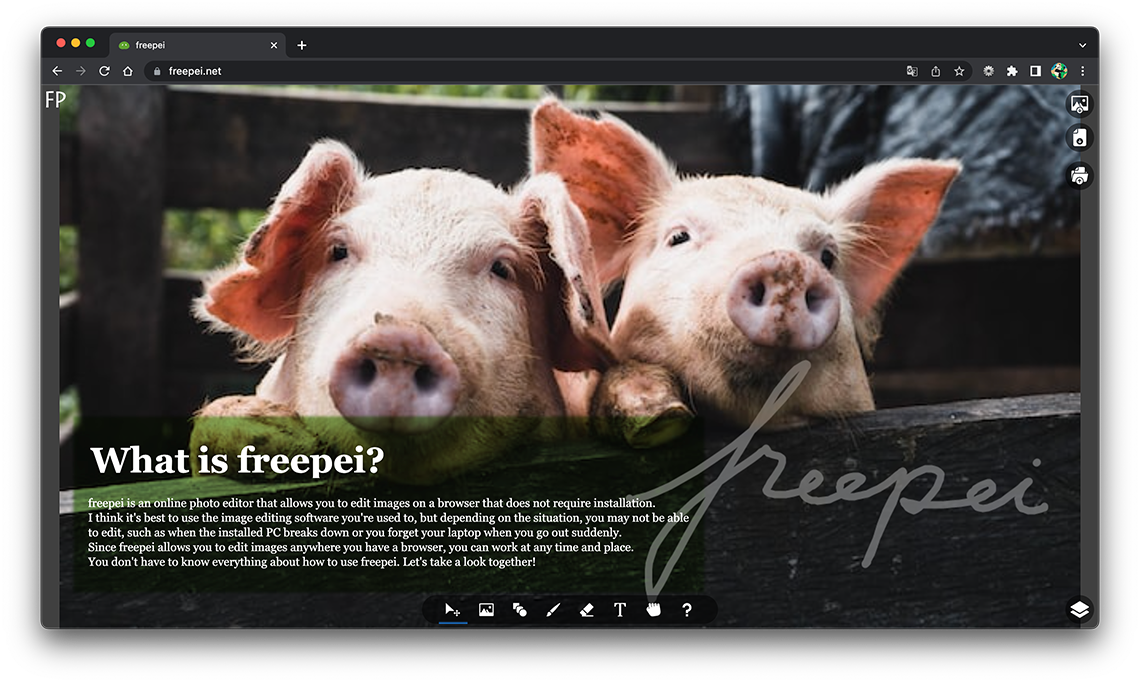
Drag imported images to move them, and use handles to rotate or resize them. Manage multiple images in separate layers and change their stacking order to combine them.
How to place images +Set the font, size, color, and line spacing of text, and apply bold or italic styles. For shapes, adjust the shape type, colors, corner radius, and border width.
How to format text +Add shadows or blur, and adjust brightness, contrast, hue, opacity, and more. Use blending modes to change how layers combine. Effects remain applied when you move or edit an object.
How to configure layer effects +Neither is required. Open freepei in your browser and start editing images.
The images you select are loaded and edited in your browser. They are not uploaded to freepei's server.
Use "Save as file" to save your work as an FPD file. Later, use "Open file" to load it and continue editing.